Creative Software for custom design generators
With Bluepic, all your employees can create personalized designs in seconds, always guaranteed to be on-brand.
Creative Software for custom design generators
Create design templates that are easy to use and error-proof. Let your users fill in the templates with their own content and download the result in seconds.
With Bluepic, all your employees can create personalized designs in seconds, always guaranteed to be on-brand.
You can build design templates that automatically adapt to new content.
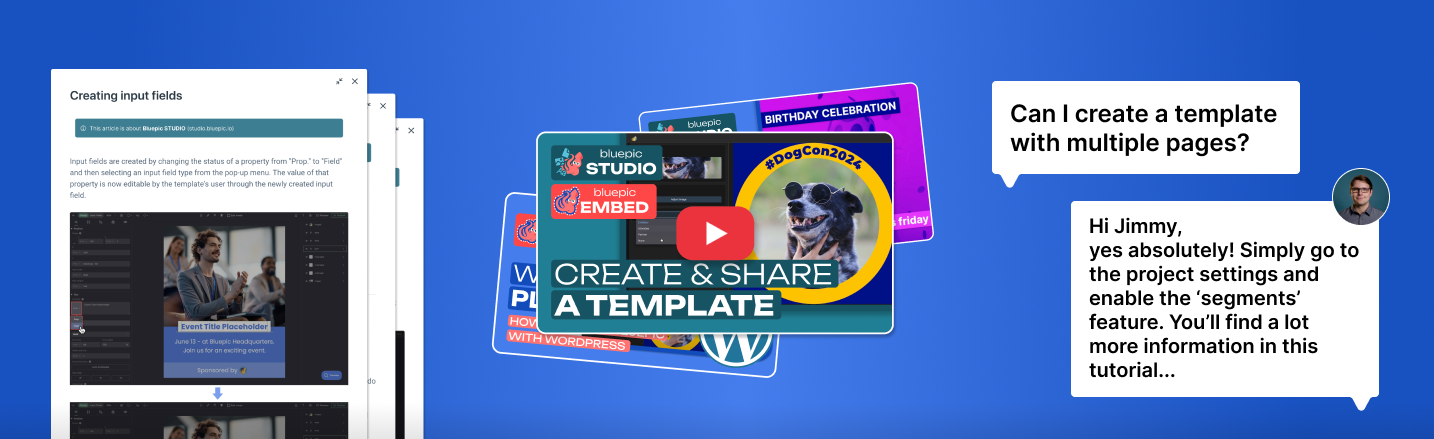
From easy starter-guides to in-depth documentation, you’ll find everything you need in our help center.
Dive into the many unique features of Bluepic with the help of our professional video tutorials.
Our experts are happy to help! You can create support tickets with one click right in the app to get personal assistance.
Customize the width or height of your canvas to fit any aspect ratio.
Upload your own font files and use them in your design.
Upload images and configure settings like fill mode (cover, contain, stretch).
Add text objects that intelligently adjust their font size to fit any content.
Objects stick to your custom gridlines to help build your design quicker.
Connect and allow image selection from your own Drive folders.
Bluepic STUDIO comes with the complete Google Fonts library.
It’s the 21st century… of course we support emojis.
Let text follow any path object to create circular or wave-like lines.
Create any shape, curve or path using our advanced pen tool.
We live in a global world. It’s समय to upgrade your 营销.
Brighten, blur or add greyscale to an image to fit your brand design.
Add customizable gradients with multiple color steps.
Replace any static property by an expression for true responsive design.
Maintain consistent gaps or spacing with simple math-functions.
Make the visibility of one object depend on the content of another.
Look up help articles or chat with our support right from the app.
Add IF-ELSE statements to create dynamic layouts and responsive design.
Decide in what direction your objects grow or shrink when content changes.
Use gradient maps to guarantee brand consistent colors on variable images.
Make your designs pop or guarantee contrast using customizable shadows.
Build and customize input forms so template users can create drafts easily.
Add rules to your text objects like ENFORCING UPPERCASE.
And much more...
You’re not sure if Bluepic is the right solution for your project? Then book a free consultation call or just try it out.
Sign up for free at studio.bluepic.io, no installation or onboarding required. You can immediately start creating graphic templates in the Template Builder, configure input fields, and publish your Design Generators. You can also book a demo with the Bluepic team here.
It depends on where you start. From an existing preset, a Design Generator can be live in a few minutes. Building your own template from a blank canvas typically takes 30 to 60 minutes per graphic template, depending on its complexity and your experience with design software. For a fully worked-out campaign with several templates and formats, plan one to three days.
Bluepic provides an embeddable Website Widget. In Bluepic Studio, you generate an iframe code snippet for any Design Generator and paste it into your website's HTML. Your website visitors can then create their graphics without leaving your site. Usage on your website is tracked in our Analytics Dashboard.
Yes, a Bluepic campaign can hand out finished files from your asset library alongside its Design Generators: logos, PDFs, presentations, fonts, or videos. This turns the campaign into a brand portal: your team, partners, or exhibitors get everything they need in one link, whether it is customizable or not. Users can preview the files directly in the browser. For each file, you can add a title and a description. Downloading assets never consumes credits. Each uploaded file uses one asset slot. With PRO and ENTERPRISE, views and downloads appear in the Analytics Dashboard.
Yes, the Bluepic API generates graphics and videos programmatically, for example to automatically create personalized event graphics from your registration system or CRM. For simple use cases, the Automate view in the Template Builder turns any graphic template into an image URL in which every input field is a URL parameter. 1 credit covers 100 newly rendered images or 10 videos, identical renders that are already cached are free, and a video costs the same whatever its duration, resolution, or frame rate. You can find more details on the pricing page.
Bluepic supports connecting an image source of your choice. For Google Drive and Pexels, we've simplified the integration; every other source can be connected as a custom image source. Design Generators and galleries can be embedded on any website via script snippet or iframe. Via the API or image URLs, you can connect CRMs, registration platforms, email tools, or any system that can send HTTP requests. Users of a Design Generator can sign in with LinkedIn to fill in their name and profile picture automatically and post the finished graphic directly to LinkedIn. Sharing via Instagram, Facebook, X, WhatsApp, or email is also available.
Organization-Wide Presets allow you to save created graphic templates as presets. These saved presets are then available to all users in your organization. The presets can be selected in the "Create Template" dialog and edited individually into a new graphic template. Organization-Wide Presets are included in PRO and ENTERPRISE.
Importing and exporting graphic templates is reserved for enterprise organizations. Template Import & Export enables the transfer of graphic templates between Bluepic accounts or backing them up outside the Bluepic application.
Yes, Bluepic imports InDesign documents as IDML. In the "Create Template" dialog, choose "Import from IDML" and drop in an IDML file or the complete package folder from InDesign. INDD files cannot be imported directly, so export your document as IDML in InDesign first. Not every InDesign feature is supported, so please review the result in the Template Builder.
Yes, Bluepic is fully GDPR compliant. It is operated by FellowBlue GmbH, headquartered in Cologne, Germany, and end users do not need tracking cookies to use Design Generators.
Bluepic Studio and all Design Generators run in modern web browsers. No app installation is required. Both template creation (Template Builder) and the use of Design Generators work on desktop devices. Design Generators are also optimized for mobile devices.
Bluepic Studio is currently available in English. However, your Design Generators work in any language. You can define all labels and descriptions of input fields yourself, in the language of your choice. Bluepic can render text in all character sets, for example, Latin, Arabic, Chinese, and more.
The Analytics Dashboard shows you how the Design Generators of your whole team are being used. For any time range, you see how many designs were generated, how they were shared (download, LinkedIn, Instagram, Facebook, X, WhatsApp, or email), which graphic templates and campaigns are most popular, and how usage develops over time. For graphics posted directly to LinkedIn, you see every post with its author and caption, plus how often the links in the caption were clicked. If a campaign also offers assets such as PDFs or videos, their views and downloads are tracked as well. You can filter by folder, graphic template, or campaign, and every campaign also has its own analytics view. The Analytics Dashboard is included in PRO and ENTERPRISE.
You set the file format for each graphic template in the Template Builder: PNG, JPEG, GIF, PDF, or SVG for graphics, and MP4, MOV, or WEBM for animated templates and videos. You can choose the aspect ratio of a graphic template freely, and one graphic template can hold several formats, for example a LinkedIn post (1200×1200 px) and an Instagram story (1080×1920 px).
Yes, Bluepic graphic templates can be animated and exported as video. As soon as you create a graphic template in a video format, you can animate its elements with keyframes. In the Design Generator, the input fields are filled in as usual and the video is personalized. Via the API or image URLs, videos can also be generated automatically. Video templates are available in every plan.
The Batch Editor allows you to create multiple designs at once, either through manual input or by uploading a spreadsheet as a CSV file. For example, you could upload a list of 200 exhibitors and automatically generate a personalized LinkedIn graphic for each one in a single batch. The Batch Editor is included in PRO and ENTERPRISE.